


Leading Provider of School Websites and Mobile Apps
School Website Design
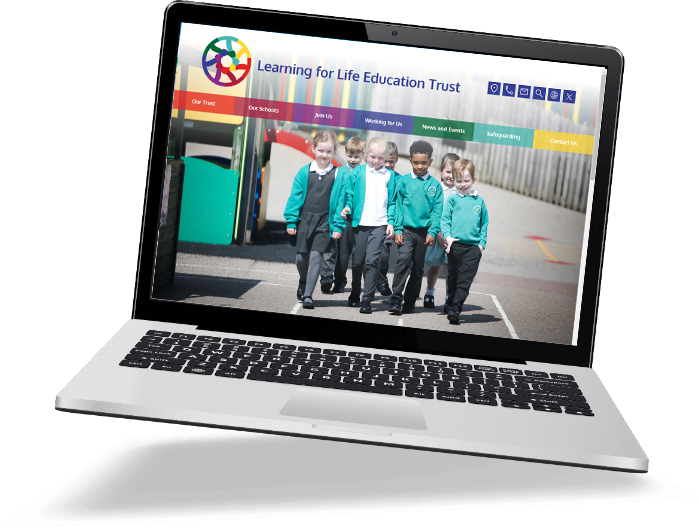
With School Jotter, even the least tech-savvy teachers can effortlessly create, edit and update web pages themselves. With a bespoke or deluxe theme and an ever growing list of optional extras you can seamlessly enhance your user experience and increase parental engagement through the website.
Best Rated Mobile App for Schools
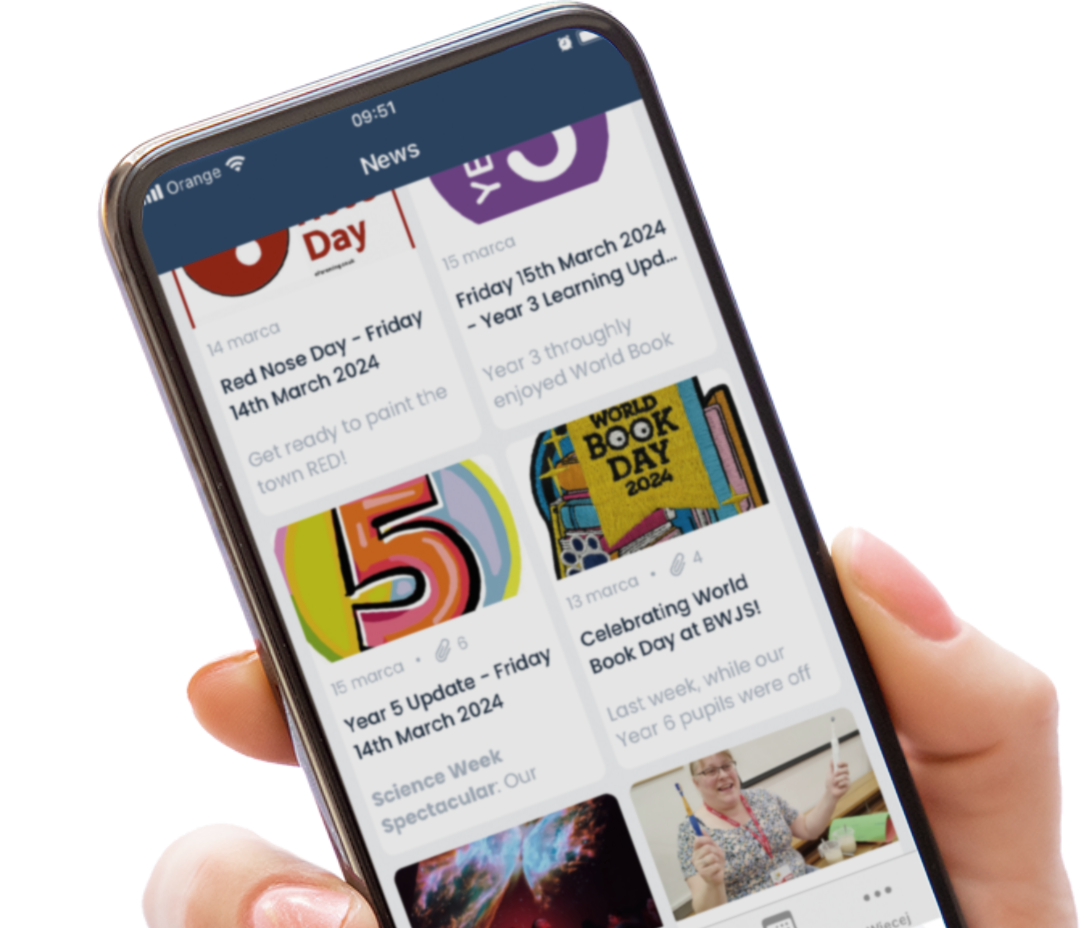
The School Jotter App vastly improves communications with parents by sending all essential information straight to parents phones. Both easy and convenient to use, it has proven extremely popular with parents and schools alike, and thanks to push notifications and newsletter features it is saving our schools money.
What schools say...
Our schools have plenty of great things to say about working with us. Hover over one of our logos to read a snippet or follow the link below to read more!


Our Dedicated Team
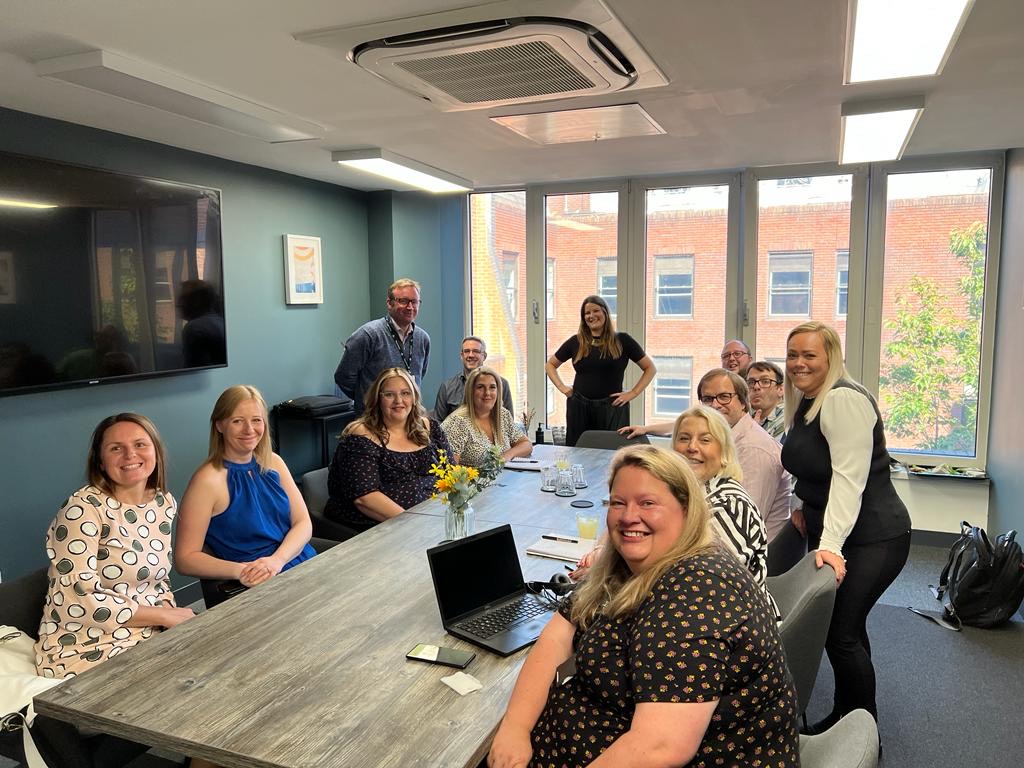
Our dedicated team is here supporting you from 8am – 6pm each day with a 24 hour emergency helpline. Our specialised skillsets can help your school achieve your digital transformation vision. We have marketing and brand experts working alongside user experience designers to ensure your parents and stakeholders get the best from your website.
How We Can Help Your School
Drone footage
Our licensed drone pilots will come to your school and get some brilliant video footage which we can use on your website.

Virtual Tours
This is a great way to showcase your school to prospective parents allowing potential parents to see what your school is all about.


Prospectuses
If you need any visual help with bringing your school policies and information to life we can help.

Logo design
Our talented team of designers will create a bespoke logo for your school.
Find out more about
School Jotter and why
it is the right solution
for your school
Get in touch
UK: +44113 3200 750
US: +1 312-588-7284
Australia: +61 390086825
Brazil: +55 21 3956-2041
Canada: +1 647-694-3583
France: +33 9 75 17 88 11
Germany: 0800 1818935
Hong Kong: +852 5808 4003
Ireland: +353 1 513 3704
Netherlands: +31 320 788 101
New Zealand: +64 9-925 0367
Poland: +48 32 630 4137
South Africa: 0800 982170


